“`html
Gemini App Launches Nano Banana for Powerful Image Editing Upgrade
TL;DR: Google’s Gemini app just received a significant image editing boost powered by its new “nano banana” image model (officially Gemini 2.5 Flash Image). Users can expect much better character consistency, new multi-image blending abilities, design style transfer, and more creative controls. The update is rolling out now, making AI-powered photo editing in the Gemini app smarter, more consistent, and fun to use, all with new watermarks and invisible AI labels for transparency.
Google’s Gemini App Gets Next-Level AI Image Editing with ‘Nano Banana’
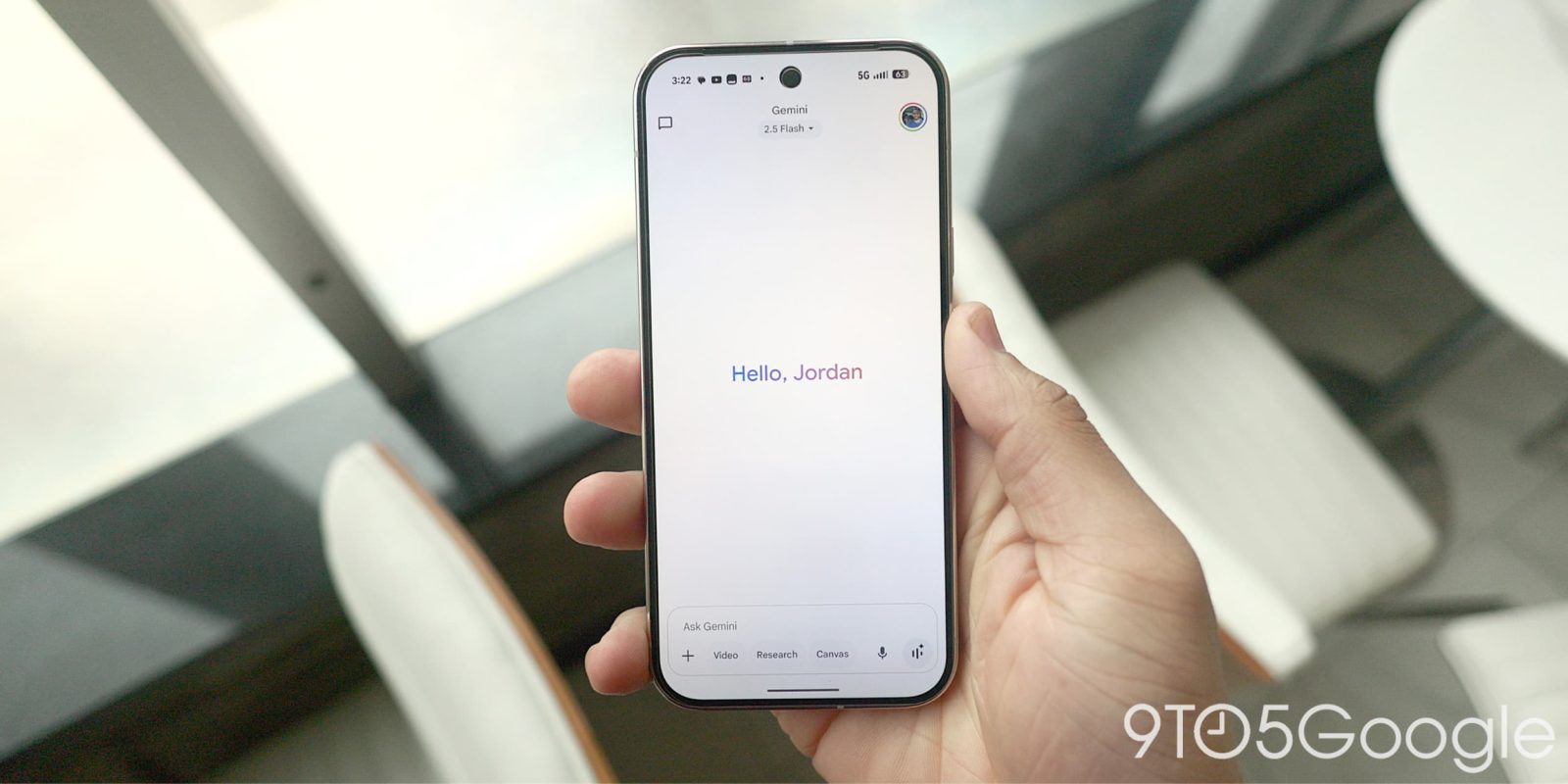
If you’ve been following the rapid advances in generative AI, you know Google’s Gemini app is at the forefront of intelligent image creation and editing. Earlier this year, Gemini introduced native image editing. Now, it’s getting a massive upgrade — codenamed ‘nano banana’ (officially: Gemini 2.5 Flash Image) — making the app a true rival to other AI image editors like Midjourney and OpenAI’s DALL-E.
What is Nano Banana?
Although the playful codename sounds humorous, “nano banana” marks a serious leap in generative image capability for Gemini. The underlying model, Gemini 2.5 Flash Image, now tops the LMArena leaderboard for image editing and is being rolled out to Google AI Studio, Gemini API, and most importantly — the Gemini app itself.
Key Innovations in Nano Banana:
- Character Consistency: Maintain a person or pet’s likeness across multiple image edits
- Seamless Design Mixing: Fuse the style of one image onto an object in another
- Multi-Image Blending: Combine several images into a single creative composition
- Smart Multi-Turn Editing: Tweak and iterate on images step-by-step with natural prompts
- Built-in Transparency: All Gemini-generated images now have a visible “ai” watermark and hidden SynthID digital watermark to help prevent misuse
Focusing on Character Consistency
One of the common criticisms of early AI image models was their inability to consistently represent a person, pet, or character across different scenes or edits. With the nano banana update, Gemini now “locks in” the essential identity of the subject you start with. Whether you’re giving your friend a 1960s beehive haircut or reimagining your dog in a tutu, Gemini strives to keep faces and features stable.
Google DeepMind describes the new capability: “Our latest update is designed to make photos of your friends, family, and even your pets look consistently like themselves, whether you’re trying out a 60s beehive haircut or putting a tutu on your chihuahua.”
- Sample prompt: “Reimagine this person as a matador inside a bullfighting ring, artist, or 90s sitcom star.”
Blending and Fusing Multiple Images
Another standout improvement is multi-image blending. Upload two or more photos — for example, one of a person and another of a dog — and ask Gemini to combine them with a creative prompt:
- Example: “Create an image where the woman in the photo is cuddling the dog on a basketball court.”
This represents a shift from single-image prompts to more advanced compositional editing, letting creators merge personal photos, backgrounds, and more.

Design Style Transfer — Remixing Looks Across Images
Design mixing lets you pick the vibe from one image and apply it to an object or person in another. For fashionistas, product designers, or anyone wanting to remix and experiment, the possibilities are endless.
- Example Prompts:
- “Turn this fabric pattern into a stunning dress worn by a woman in New York City.”
- “Reimagine these rain boots — the shape and style completely inspired by the flower image.”

Iterative, Multi-Turn Editing for Serious Creators
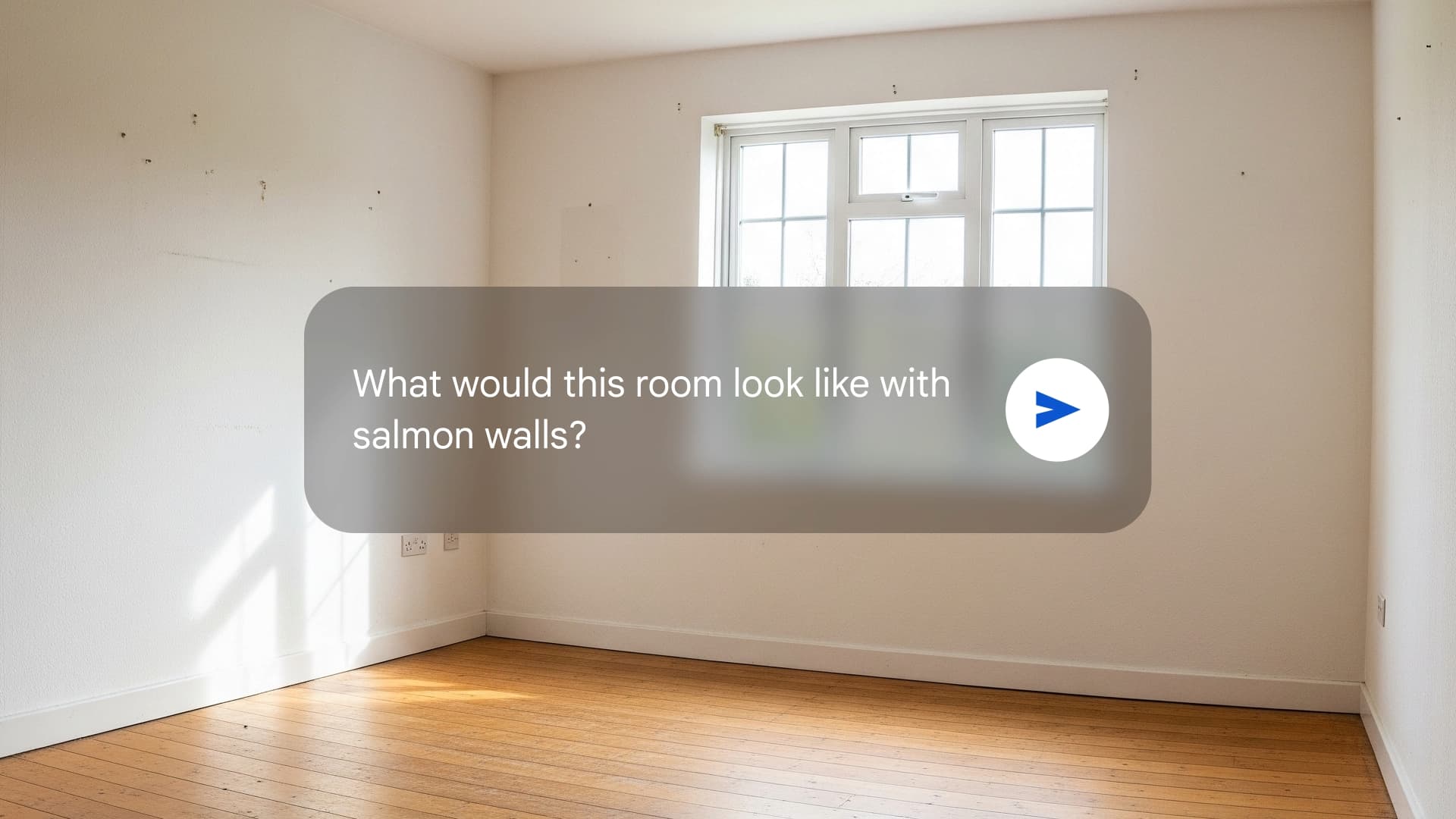
Gemini’s multi-turn editing functionality is now more precise. Rather than edit everything at once, you can gradually shape an image, giving feedback or specifying new details at each step:
- “Change the color of the walls to light blue.”
- “Add a modern sofa to the right side of the room.”
- “Replace the coffee table with a minimalist, round shape.”
It’s essentially conversational image editing — making Gemini feel more like a creative collaborator than just a tool.
Responsible AI: Watermarks & Transparency
Given concerns about fake images and misinformation, all Gemini-generated images now include:
- “ai” Watermark: Instantly indicates an image was created by AI, not a camera lens
- Invisible SynthID: Digital identification that helps researchers and platforms trace and verify AI-imagery, even after cropping, resizing, or minor edits
This sets a higher bar for responsible AI content creation, making it harder for AI images to be used to mislead viewers.
How to Access the New Features
The “nano banana” update is rolling out via the Gemini app starting August 26, 2025. Here’s how to start using these cutting-edge improvements:
- Update your Gemini app to the latest version through the Google Play Store or your device’s app store.
- Tap the image editing tools inside Gemini, and look for prompts or tips about new features like “blend images” or “style transfer.”
- Experiment: Upload multiple photos for blending, or try pulling colors and textures from one image into another. Try prompts that challenge identity consistency, like putting the same person in multiple creative scenes.
- All outputs are instantly watermarked, so you can be transparent and responsible with any sharing.
Expert Tips for Getting the Most from Gemini’s Image Editor
- Test complex edits: Ask for consistency across a series of transformations (e.g., different outfits, scenes, or themes for the same person)
- Use creative, specific descriptions for style fusion: “Blend the energy of Van Gogh’s Starry Night with my dog at the beach.”
- Refine step by step: Make iterative changes instead of everything at once for professional-level results
- Share responsibly: Remind followers/friends that your masterpiece was created with the aid of AI
Why Nano Banana Sets Gemini Apart
Google has been racing hard to keep pace with OpenAI and other major players in the generative image sphere, but the “nano banana” release for Gemini stands out for several reasons:
- Best-in-class character consistency: Keeps people, pets, and even cartoon characters recognizable across different prompts and scenes
- Interactive, conversational workflow: Rather than “fire and forget,” you can guide image edits across multiple steps, just like working with an artist
- Real-world creativity: From fun social media makeovers to real home design visualizations or fashion, Gemini is rapidly becoming a tool for both play and work
- Ethics and safety: With “ai” watermarking and SynthID, Gemini is innovating on trust and transparency — not just wow-factor
Early testers report much improved realism and usability compared to earlier versions, especially when it comes to faces, clothing details, and animal features. Whether you’re a digital artist, a curious hobbyist, or a meme creator, Gemini’s new image editor puts more power (and responsibility) in your hands.
What’s Next for Gemini and AI Creative Tools?
As Google deepens its investment and integrates multi-modal AI capabilities (combining text, image, and even future audio/video), Gemini is positioned to be a one-stop hub for creative expression. The app is only going to get more powerful, and “nano banana” is a taste of what’s possible when language models and vision models work hand-in-hand.
Related Gemini Resources & News
- Google rolls out a new pill-shaped Gemini overlay on Android
- Gemini Live on Pixel 10: Native audio and raise-to-talk on Pixel Watch 4
- Gemini app updates with improved search, copied text, and new drawer navigation
FAQs: Gemini’s Nano Banana Image Editing Upgrade
Q1. What makes the ‘nano banana’ update so important for Gemini users?
A: The nano banana update (Gemini 2.5 Flash Image) brings much better character consistency across edits, enables multi-image blending, and introduces design mixing — making advanced AI image composition easy and reliable. It also ensures all AI-generated visuals are watermarked for transparency.
Q2. How do I use the new image editing features in the Gemini app?
A: Just update your Gemini app, open the image section, and try prompts like combining multiple photos, applying styles from one image to another, or experimenting with creative scene transformations. The tools are designed for easy access and include clear instructions in the app interface.
Q3. Are Gemini’s AI-generated images safe and responsible to share?
A: Yes. Every image made with Gemini’s new model includes an “ai” watermark and an invisible SynthID mark, making it clear the content was AI-generated and helping stop misuse. Still, always use discretion when sharing images publicly or for professional purposes.
Final Thoughts
The Gemini app’s nano banana update is a substantial leap forward for user-friendly, responsible, and truly creative AI image editing. Google is blending technical innovation with ethical transparency, inviting everyone to experiment with character portraits, mashups, iterative edits, and real-world design — all from a phone or desktop. As AI creative tools become more mainstream, features like those in Gemini will shape the way we create, share, and understand visual content in the years to come.
“`
#LLMs #LargeLanguageModels #AI #ArtificialIntelligence #GenAI #MachineLearning #DeepLearning #NLP #AIGeneratedContent #FoundationModels #AITrends #AIEthics #PromptEngineering #AIAutomation #LanguageModels
